Lab 1
HTML Examples
Heading Tags
Text documents are often broken up into several sections and subsections. Each section is usually prefaced with a short title or heading that attempts to summarize the topic of the section it precedes. For instance this paragraph is preceded by the heading Heading Tags. The font of the section headings are usually larger and bolder than their subsection headings. This document uses headings to introduce topics such as HTML Documents, HTML Tags, Heading Tags, etc. HTML heading tags can be used to format plain text so that it renders in a browser as large headings. There are 6 heading tags for different sizes: h1, h2, h3, h4, h5, and h6. Tag h1 is the largest heading and h6 is the smallest heading. A span sits in this sentence without starting a new line.h1
h2
h3
h4
h5
h6
Yingzi Zhang
I am learning HTML.
Lab notes
This sample outline organizes notes for an HTML exercise.
What I built
A sample page demonstrates headings at different levels.
Next step
Add a paragraph to describe the next example.
Paragraph Tag
This is a paragraph. We often separate a long set of sentences with vertical spaces to make the text easier to read. Browsers ignore vertical white spaces and render all the text as one single set of sentences. To force the browser to add vertical spacing, wrap the paragraphs you want to separate with the paragraph tag
This is the first paragraph. The paragraph tag is used to format vertical gaps between long pieces of text like this one.
This is the second paragraph. Even though there is a deliberate white gap between the paragraph above and this paragraph, by default browsers render them as one contiguous piece of text as shown here on the right.
This is the third paragraph. Wrap each paragraph with the paragraph tag to tell browsers to render the gaps.
The p tag marks a block of text as a paragraph. Browsers apply top and bottom margins to paragraphs by default, creating vertical spacing between them.
Hello, my name is Yingzi Zhang. I am currently a computer science student at Northeastern University.
My goal for this course is to master all the technologies covered in class and complete my first web development project.
List Tags
Ordered List Tag
How to make pancakes:- Mix dry ingredients.
- Add wet ingredients.
- Stir to combine.
- Heat a skillet or griddle.
- Pour batter onto the skillet.
- Cook until bubbly on top.
- Flip and cook the other side.
- Serve and enjoy!
Unordered List Tag
My favorite books (in no particular order)- Dune
- Lord of the Rings
- Ender's Game
- Red Mars
- The Forever War
HTML Tags from This Chapter
My Favorite Recipe: Pizza
- Prepare the dough and roll it out into a pizza base.
- Spread tomato sauce over the base, then add cheese and toppings.
- Bake the pizza until the crust is golden and the cheese has melted, then slice and serve.
My Favorite Books and Magazines
- The Great Gatsby
- Atomic Habits
- Scientific American
Table Tag
| Quiz | Topic | Date | Grade |
|---|---|---|---|
| Q1 | HTML | 2/3/21 | 85 |
| Q2 | CSS | 2/10/21 | 90 |
| Q3 | JavaScript | 2/17/21 | 95 |
| Q4 | React | 2/24/21 | 88 |
| Q5 | Props | 3/3/21 | 92 |
| Q6 | State | 3/10/21 | 90 |
| Q7 | Routing | 3/17/21 | 86 |
| Q8 | Forms | 3/24/21 | 94 |
| Q9 | HTTP | 3/31/21 | 91 |
| Q10 | APIs | 4/7/21 | 89 |
| Average | 90 | ||
My Web Development Learning Plan
| Step | Topic | Goal |
|---|---|---|
| 1 | HTML | Build the structure of my first website. |
| 2 | CSS | Style the website with the techniques covered in class. |
| 3 | React and Next.js | Complete my first web development project. |
Image tag
Loading an image from the internet: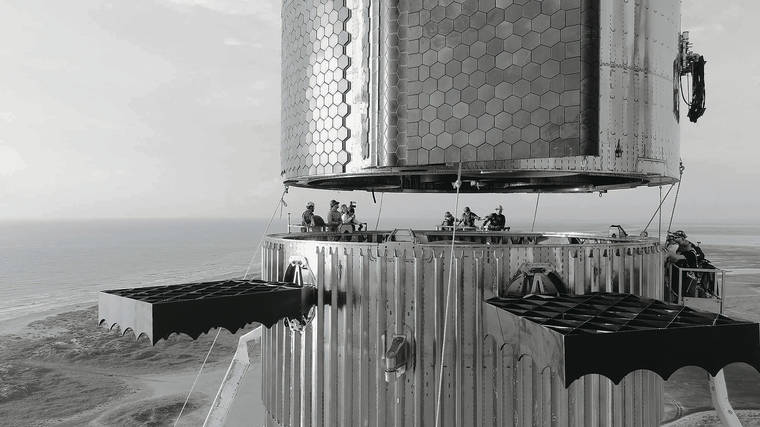
Loading a local image:
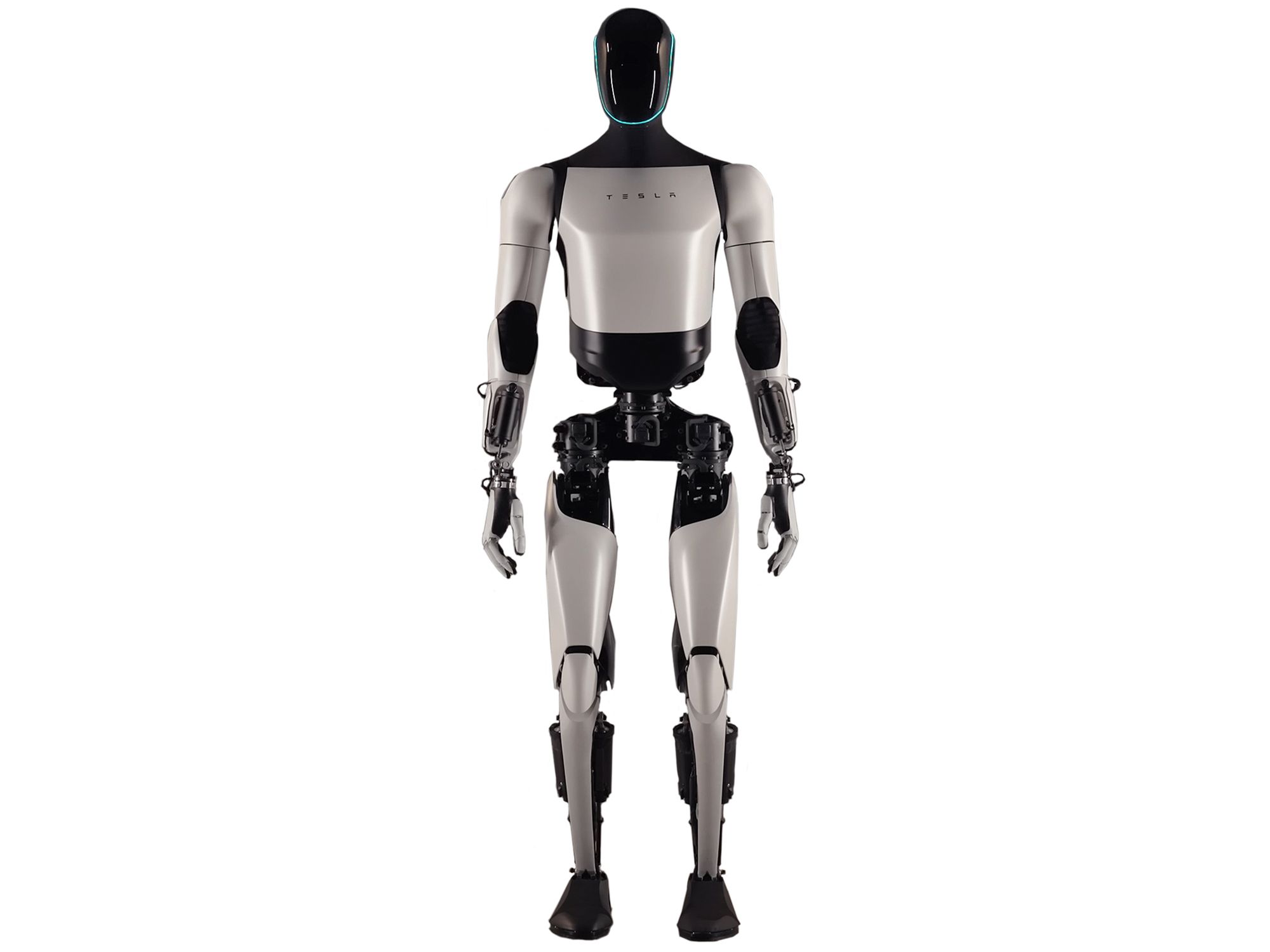
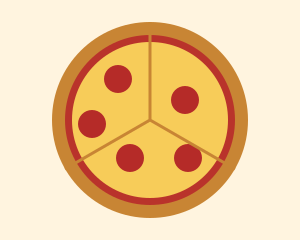
A Food I Like
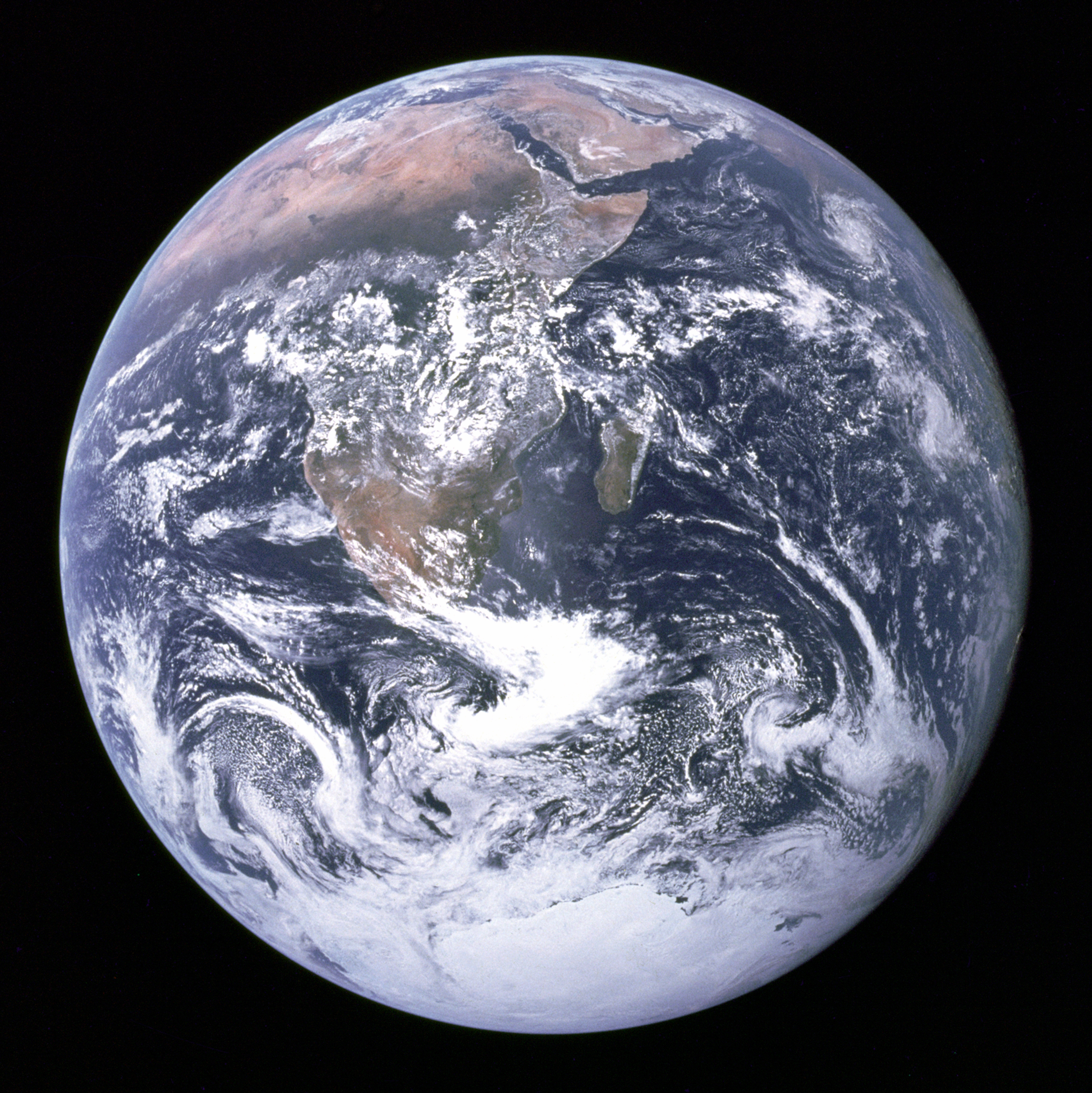
Sample Image from Space
Form Elements
Highlighted Paragraph
Default highlight: light yellow background, orange border.
Custom props: light blue background, navy border, thicker width, more rounding.
Another variation: misty rose background, crimson border, square corners.
I am Yingzi Zhang, a computer science student at Northeastern University.
Props let the same component render with different colors.
Highlighted Box
Callout
This box wraps any children — headings, paragraphs, lists, and more.
- backgroundColor
- borderColor
- borderWidth
- borderRadius
A second box with different style props wrapping different content.
Yingzi Zhang — Course Goals
- Learn the HTML techniques covered in class.
- Master the course technology stack.
- Complete my first web development project.
Sample nested content
- p
- table
- form
Anchor tag
Please click here to get dummy textGitHub — webdev-client
Scientific American
My GitHub Profile
MDN: table element